

In today’s fast-paced digital landscape, small business owners, digital marketers, freelancers, and content creators are constantly seeking ways to streamline their workflows and boost productivity. One promising solution is the AI UI language for workflows—a tool that enables seamless integration of artificial intelligence into everyday tasks. Declare, a declarative language for building user interfaces, is gaining attention for its ability to simplify AI integration without compromising clarity or functionality. By offering a structured, verifiable approach to UI development, Declare allows users to create interactive applications that are both powerful and easy to maintain. This article explores how Declare is transforming AI workflows, making automation more accessible and efficient for professionals across various industries.
What Is Declare and Why It Matters for AI Workflows
Declare is an AI UI language for workflows that streamlines the creation of complex, interactive interfaces. Much like SQL is a domain-specific language for databases, Declare is designed to build user interfaces that can integrate with AI systems, enabling developers to create structured and verifiable UIs. This makes it an essential tool for those looking to automate tasks and improve productivity with AI.
A Language for Structured and Verifiable UIs
As a domain-specific language, Declare allows developers to create user interfaces that are both structured and verifiable. Unlike traditional coding approaches, Declare enables the creation of complex interfaces that can integrate seamlessly with AI systems. This means that developers can build applications that are not only functional but also maintainable and scalable. The language’s design allows for a clear separation of concerns, making it easier to manage and update workflows over time.
The Benefits of Using Declare for AI Integration
The benefits of using Declare for AI integration are significant. It simplifies the development process by allowing developers to build and maintain workflows with greater ease. Declare’s focus on structured and verifiable UIs ensures that applications are reliable and efficient, reducing the need for extensive debugging and maintenance. This is particularly valuable for small business owners, digital marketers, and content creators who want to automate tasks and improve productivity with AI. By using Declare, they can create robust and scalable workflows that are tailored to their specific needs.
How Declare Simplifies AI Integration in Workflows
Declare simplifies AI integration in workflows by offering a structured approach to building user interfaces that can adapt to AI-driven decisions in real time. Its design allows developers to create interactive UIs with minimal manual coding, enabling seamless automation and reducing complexity. By combining clarity with functionality, Declare empowers users to focus on workflow logic rather than the intricacies of UI development.
Building Interactive UIs with AI Capabilities
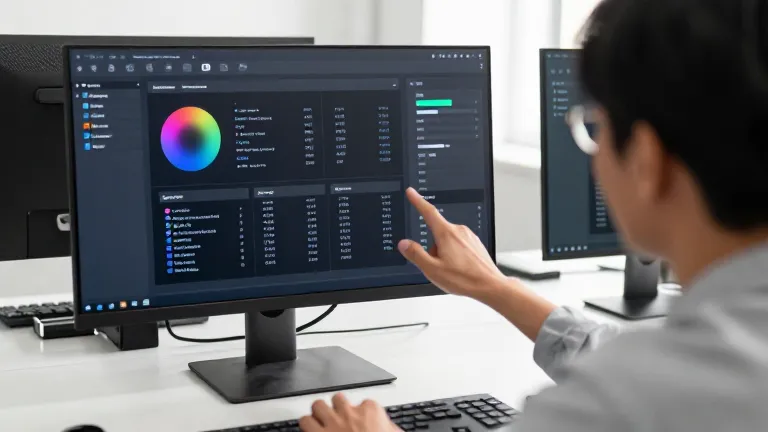
Declare reduces the need for manual coding by allowing developers to define UIs in a clear, structured way. This structured approach enables the creation of interactive UIs that can adapt to user input and AI decisions in real time. By using Declare, developers can build applications that respond dynamically to changes, making it ideal for AI-driven workflows where automation is key. The language’s simplicity means less time spent on coding and more on refining the logic of the workflow.
The Role of AI in Enhancing Declare Workflows
The language is designed to work with AI tools, enabling seamless automation of tasks and user interfaces. With Declare, developers can integrate AI capabilities directly into the UI, allowing for real-time data updates and drag-and-drop interactions that enhance user experience. This integration ensures that workflows remain flexible and efficient, adapting to new data and user behavior without requiring extensive rewrites. As a result, Declare becomes a powerful tool for streamlining complex workflows and improving productivity.
Real-World Applications of Declare in AI Workflows
Real-world applications of Declare highlight its ability to streamline AI integration in workflows by enabling developers to create dynamic, fluid user interfaces with minimal code. From calendar systems to window-based applications, Declare's design allows for seamless real-time data processing, making it ideal for complex tasks like drag-and-drop editing, scheduling, and interactive UIs.

Examples of Declare in Action
Declare has been successfully used in applications such as calendars and window systems, where dynamic and fluid UI interactions are essential. For example, a calendar built with Declare allows users to zoom through time, drag events between days, and edit content in real time—all without the need for extensive code. These applications demonstrate how Declare can be leveraged to build AI-powered tools with minimal manual effort, as the language's structured and verifiable nature ensures that the UI remains consistent and easy to maintain.
The Impact of Declare on Workflow Automation
The impact of Declare on workflow automation is significant, as it enables developers to create complex programs that run smoothly while reducing development time and complexity. By allowing real-time data processing and minimizing the need for manual coding, Declare helps streamline tasks like scheduling, drag-and-drop editing, and interactive UI management. This makes it an ideal choice for small business owners, digital marketers, and freelancers looking to integrate AI into their workflows with greater efficiency and less overhead.
Advantages of Using Declare for AI Workflow Integration
Declare offers significant advantages for integrating AI into workflows, streamlining development and enhancing maintainability. By reducing the amount of code required, it accelerates the creation of complex applications, making it an ideal choice for developers looking to integrate AI capabilities efficiently.
Reducing Development Time and Complexity
Declare reduces the amount of code needed, making development faster and more efficient. With its declarative approach, developers can express complex UI interactions with fewer lines of code, which simplifies the development process and minimizes the potential for errors. This reduction in code also means less time spent on debugging and maintenance, allowing teams to focus on innovation and feature enhancements. The language's structure ensures that the code is not only concise but also easy to understand, making it more accessible to both new and experienced developers.
Scalability and Maintainability with Declare
The language is designed for scalability, enabling developers to build complex applications with fewer lines of code. Declare’s architecture supports the growth of applications without compromising performance or readability, making it well-suited for evolving AI workflows. Its maintainability is further enhanced by the compiler’s ability to check and verify the code, ensuring that any changes or updates can be implemented with confidence. This combination of scalability and maintainability ensures that Declare remains a powerful tool for AI integration, supporting both current and future project requirements.
Getting Started with Declare for AI Workflows
Getting started with Declare for AI workflows involves defining your application's structure and integrating AI tools to enhance automation. With its intuitive syntax and real-time editing, developers can quickly build interactive interfaces that leverage AI capabilities for dynamic interactions. Understanding how Declare works with AI is key to unlocking its full potential in streamlining complex workflows.
Setting Up Your First Declare Project
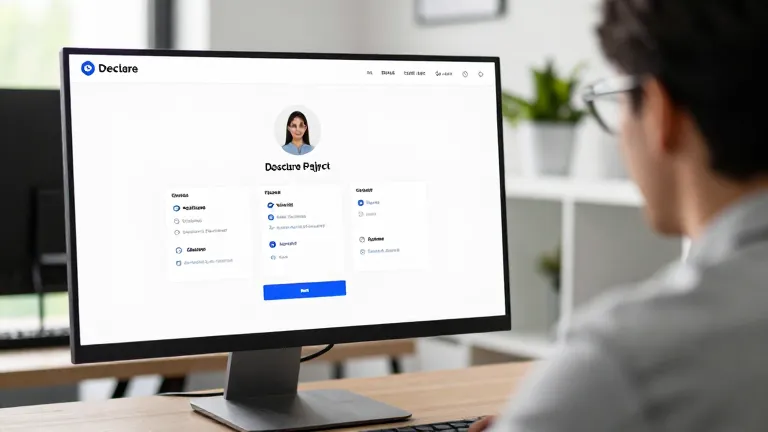
To begin, developers can set up their first Declare project by defining the structure of their application using Declare's syntax. This involves creating a single file that outlines the UI components, logic, and styling, all in a structured and verifiable format. The language supports live editing, allowing developers to see changes in real time as they refine their application's layout and functionality.
Integrating AI Tools with Declare
Integrating AI tools with Declare involves utilizing its built-in capabilities for dynamic interactions. Developers can incorporate AI-driven features such as natural language processing, predictive analytics, and automated decision-making directly into their workflows. By leveraging Declare's ability to handle complex interactions, developers can create applications that adapt in real time, making workflows more efficient and responsive to user input.
Frequently Asked Questions
What is Declare and how does it work?
Declare is a UI language that enables developers to create structured and verifiable user interfaces. It works by allowing users to define interfaces in code, which are then compiled and executed, ensuring clarity and correctness in the design.
Can Declare be used with AI tools for automation?
Yes, Declare can be used with AI tools for automation. It provides a framework that integrates AI capabilities into workflows, enabling developers to build interactive and intelligent user interfaces that adapt to user needs.
What are the benefits of using Declare for UI development?
Using Declare for UI development offers benefits such as reduced development time, improved maintainability, and enhanced scalability. It allows for clear and verifiable code, making it easier to manage complex workflows.
How do I start using Declare for AI workflow integration?
To start using Declare for AI workflow integration, you can set up your first project by following the setup guide. From there, you can integrate AI tools by leveraging Declare's capabilities to build intelligent and interactive interfaces.
Next Steps with Declare
Declare simplifies AI integration by offering a structured approach to UI development, enhancing automation and user experience. Its clear and verifiable code makes it ideal for complex workflows, reducing development time and improving scalability.
To begin, set up your first Declare project and explore its integration with AI tools. This will allow you to build efficient, intelligent interfaces that adapt to user needs and streamline your workflows.