
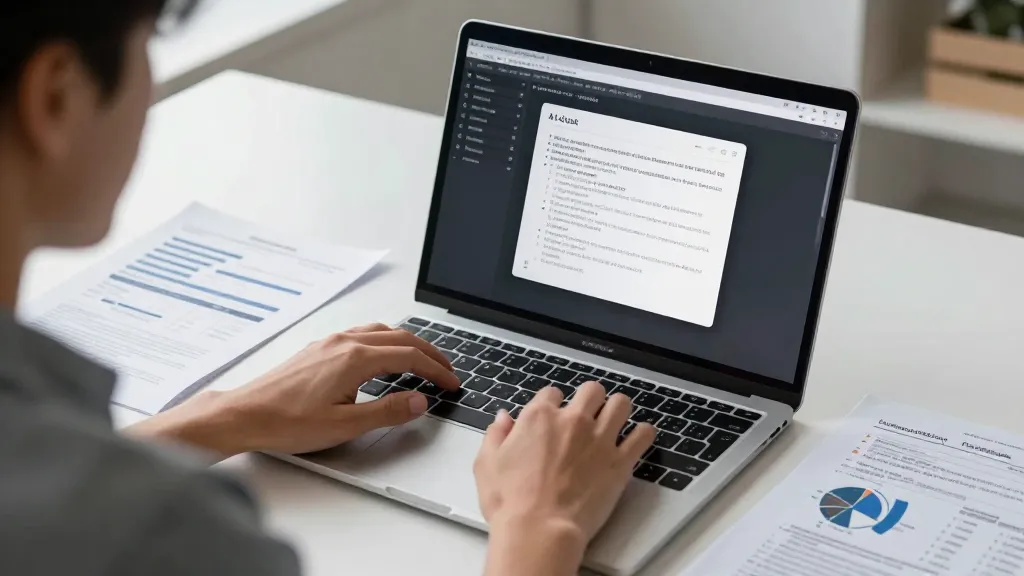
In today’s fast-paced environment, small business owners, digital marketers, and office professionals are constantly seeking ways to streamline workflows and boost productivity. One common challenge is the time-consuming task of summarizing lengthy PDF reports. How to automate PDF report summarization with AI has become a game-changer for those looking to save hours each week. By leveraging AI tools, users can transform this tedious process into an automated, efficient routine. This article explores the benefits of AI in report summarization, how to choose the right tool, and practical steps to implement AI-driven automation in your workflow. Whether you're managing client reports or analyzing market data, AI can help you extract key insights faster than ever before.
Why Automate PDF Report Summarization with AI
Manual summarization of long PDF reports is time-consuming and error-prone. For small business owners, digital marketers, and office professionals, the process of extracting key insights from lengthy documents often leads to delays and inconsistencies. AI-driven summarization offers a solution by automating this task, allowing users to focus on more strategic activities.
The Benefits of AI in Report Summarization
AI tools can quickly extract key insights and generate concise summaries, significantly reducing the time required for manual review. These tools use natural language processing to identify and highlight the most relevant information, ensuring that summaries are both accurate and comprehensive. By leveraging AI, professionals can maintain high standards of quality while streamlining their workflow.
Common Use Cases for Automated Report Summaries
Automation saves time, reduces human error, and improves productivity for busy professionals. With AI, repetitive tasks such as summarizing multiple reports can be completed in minutes rather than hours, allowing teams to allocate their resources more effectively. The consistency provided by AI also minimizes the risk of oversight or misinterpretation, leading to more reliable decision-making.
Choosing the Right AI Tool for PDF Summarization
Selecting the right AI tool for PDF summarization is essential to ensure efficiency and accuracy in your workflow. The best tools should support PDF uploads, handle large documents, and offer features like keyword extraction, text summarization, and export options. Consider ease of use, integration with other tools, and the accuracy of the summaries to find the solution that fits your needs.
| Tool Name | PDF Support | Keyword Extraction | Text Summarization | Export Options | Ease of Use | Integration | Accuracy |
|---|---|---|---|---|---|---|---|
| PDF Summarizer AI | Yes | Yes | Yes | PDF, Word, Text | High | Yes | High |
| SummarizePDF | Yes | Yes | Yes | PDF, DOCX | Medium | Limited | Medium |
| AI Summarize | Yes | Yes | Yes | PDF, TXT | High | Yes | High |
| DocSummarizer | Yes | Yes | Yes | PDF, Word | Medium | Yes | Medium |
| QuickSummarize | Yes | No | Yes | PDF, Text | High | Limited | Medium |
Top AI Tools for PDF Summarization
Several AI tools are designed to handle PDF summarization efficiently. PDF Summarizer AI, for example, supports PDF uploads and can process large documents, offering keyword extraction and text summarization. Its export options include PDF, Word, and text formats, making it versatile for different users. AI Summarize is another strong contender, providing similar features with high ease of use and integration capabilities. These tools are ideal for small businesses and professionals seeking automation without compromising on quality.
Key Features to Look for in an AI Summarizer
When choosing an AI summarizer, consider the key features that align with your workflow. Keyword extraction helps identify important themes, while text summarization ensures you get concise insights. Export options like PDF, Word, or text formats allow flexibility in how you use the summaries. Ease of use is crucial for non-technical users, and integration with other tools like Google Workspace or Microsoft Office can streamline your processes. Accuracy of the summaries is also vital to ensure the information you receive is reliable and relevant.
How to Use AI to Automate PDF Report Summarization
This section outlines the practical steps to automate PDF report summarization using AI. By following these steps, you can efficiently generate concise summaries that save time and improve productivity.
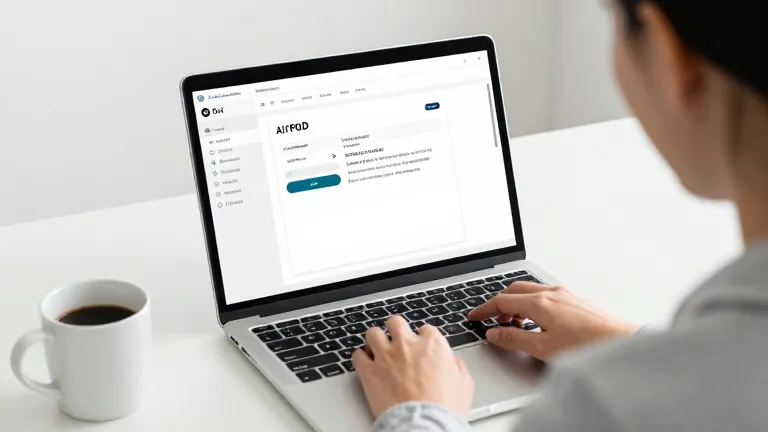
- Upload the PDF file to an AI summarization tool.
- Select the level of detail or summary length you want.
- Review the generated summary and make any necessary edits.
Step-by-Step Guide to Automate Summarization
Begin by uploading the PDF file to an AI summarization tool. Most platforms allow drag-and-drop or direct file selection. Ensure the file is clear and well-structured to improve the accuracy of the summary. Some tools also support batch processing, which is useful for handling multiple reports at once.
Once the file is uploaded, choose the level of detail or summary length you prefer. Options typically range from brief highlights to more comprehensive summaries. Adjust the settings based on your specific needs, such as whether you want a high-level overview or detailed insights. This customization helps tailor the output to your workflow.
Tips for Optimizing AI Summaries
After the summary is generated, review it carefully to ensure it aligns with your expectations. Look for any inaccuracies or missing key points. AI tools may occasionally misinterpret complex sections, so it's important to verify the summary's relevance and clarity. Make any necessary edits to refine the output and ensure it meets your requirements.
To further enhance the summary, consider using additional AI tools or manual checks. Some platforms allow you to refine the summary by specifying keywords or themes. This helps the AI focus on the most important aspects of the report. Regularly testing different tools and settings can also help you find the best approach for your specific use cases.
Best Practices for Effective AI-Driven Summarization
Effective AI-driven summarization requires careful preparation and ongoing refinement to ensure high-quality results. By following best practices, users can significantly enhance the accuracy and usefulness of AI-generated summaries, making them more reliable for business and operational purposes.
How to Prepare Your PDF for AI Summarization
Before using AI to summarize a PDF, it's essential to preprocess the document to remove unnecessary formatting, images, and other elements that could interfere with the summarization process. Clean, well-structured text improves the AI's ability to understand and extract key points. Removing irrelevant content also helps reduce the risk of errors or misleading information in the final summary.
Improving Summary Accuracy with AI
Regularly testing and refining the AI tool is crucial for maintaining and improving summary accuracy over time. Users should review the output of each summary to identify patterns of errors or inconsistencies, then adjust settings or parameters as needed. By iteratively fine-tuning the AI's input and configuration, users can achieve more consistent and reliable results. This process ensures that the AI adapts to the specific needs of the user's workflow and data.
Real-World Applications of AI in PDF Summarization
AI-driven PDF summarization transforms how businesses and professionals handle data-intensive tasks, offering streamlined workflows and actionable insights. From market research to daily report reviews, AI enables teams to extract value quickly and focus on strategic priorities.

Use Cases for Business and Marketing
In marketing and business analysis, AI can summarize market research reports, financial data, and customer feedback, turning dense PDFs into concise summaries. This helps teams identify trends, evaluate performance, and make data-driven decisions without sifting through lengthy documents. For instance, a marketing team might use AI to analyze competitor reports or customer surveys, enabling faster campaign adjustments and improved ROI.
How AI Summaries Improve Workflow Efficiency
Integrating AI summarization tools with project management software like Asana or Trello enhances workflow efficiency by automating insights from PDF reports. Teams can receive automated summaries of project updates, financial forecasts, or client feedback directly within their workflow tools, reducing manual data entry and ensuring real-time access to key information. Automating daily report reviews also allows professionals to shift focus from routine tasks to strategic planning, fostering innovation and productivity.
Frequently Asked Questions
Can AI tools accurately summarize complex PDF reports?
AI tools can provide accurate summaries of complex PDF reports, though accuracy depends on the tool's training data and the report's content. They excel at extracting key points but may struggle with nuanced or highly technical language.
How do I choose the best AI summarizer for my needs?
Choose an AI summarizer based on your specific needs, such as ease of use, support for multiple file formats, and customization options. Consider tools that offer both summary and analysis features to maximize their utility.
Are there any limitations to using AI for report summarization?
AI summarization has limitations, including difficulty with highly technical or specialized content, and the potential for missing contextual nuances. Additionally, AI cannot fully replace human judgment in interpreting data and insights.
Can I integrate an AI summarizer with my existing workflow tools?
Most AI summarizers offer integration options with popular workflow tools like Google Workspace, Microsoft Office 365, and cloud storage platforms. Check for API support or compatibility to streamline your workflow.
Final Thoughts
Automating PDF report summarization with AI can enhance productivity and data accessibility. By selecting the right tools and optimizing your workflow, you can streamline report analysis and improve decision-making.
Start by evaluating your needs and choosing an AI tool that aligns with your goals. Then, integrate the tool into your workflow and refine your approach for better results.