

In today’s fast-paced digital landscape, small business owners and content creators are constantly seeking ways to streamline their workflow and maximize productivity. Creating and managing a content calendar manually can be time-consuming and error-prone, making it difficult to maintain consistency and quality. This is where an AI-powered content calendar can make a significant difference. By leveraging artificial intelligence, you can automate the planning, scheduling, and even generation of content, allowing you to focus on strategy and execution. The goal of this guide is to walk you through the process of how to create an AI-powered content calendar that integrates seamlessly with your workflow and helps you deliver consistent, engaging content across multiple platforms.
Understanding the Benefits of an AI-Powered Content Calendar
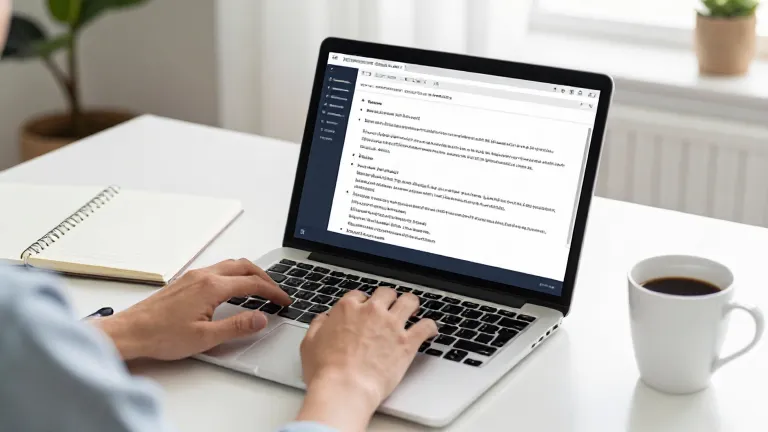
An AI-powered content calendar offers a transformative approach to content planning, combining automation with strategic insights to enhance productivity and engagement. By leveraging machine learning and data analysis, these tools help businesses streamline workflows, maintain consistency, and deliver content that resonates with their audience.
Why Use AI for Content Planning?
AI-powered calendars enable content creators to focus on strategy and creativity rather than manual planning. These tools analyze historical data, audience behavior, and performance metrics to suggest optimal content topics, formats, and posting times. This data-driven approach ensures that content is not only relevant but also aligned with audience preferences, increasing the chances of engagement and conversion.
How AI Tools Save Time and Improve Efficiency
By automating repetitive tasks such as scheduling, content generation, and performance tracking, AI tools significantly reduce the time spent on content planning. This automation allows teams to allocate more time to high-value activities like audience research, content optimization, and campaign strategy. Additionally, AI-powered calendars help maintain a consistent publishing schedule, which is crucial for building audience trust and improving search engine visibility.
Selecting the Right AI Tools for Content Calendar Creation
Selecting the right AI tools is crucial to creating an effective content calendar. The best tools should seamlessly integrate with your existing platforms and workflows, offering features that align with your content strategy goals.
- Choose tools that integrate with your content management system and social media platforms.
- Look for features like content idea generation, scheduling, analytics, and collaboration.
- Consider ease of use and compatibility with your existing workflow.
Top AI Tools for Content Calendar Creation
Several AI-powered tools are designed to help with content calendar creation. Platforms like Contentful, Trello, and Hootsuite offer built-in AI features for content planning and scheduling. These tools often support integration with WordPress, Shopify, and other CMS platforms, allowing for seamless content management. Additionally, AI-driven tools such as HubSpot and Later provide content suggestion capabilities, helping you stay consistent with your publishing schedule.
How to Compare AI Tools for Your Needs
When comparing AI tools, focus on how well they align with your specific needs. Consider factors like ease of use, scalability, and the range of features available. For instance, if you need advanced analytics, a tool like Sprout Social might be ideal. However, if your primary goal is content idea generation, a platform like BuzzSumo could be more suitable. Always test the tools with your current workflow to ensure they enhance rather than complicate your process.
Setting Up Your AI-Powered Content Calendar
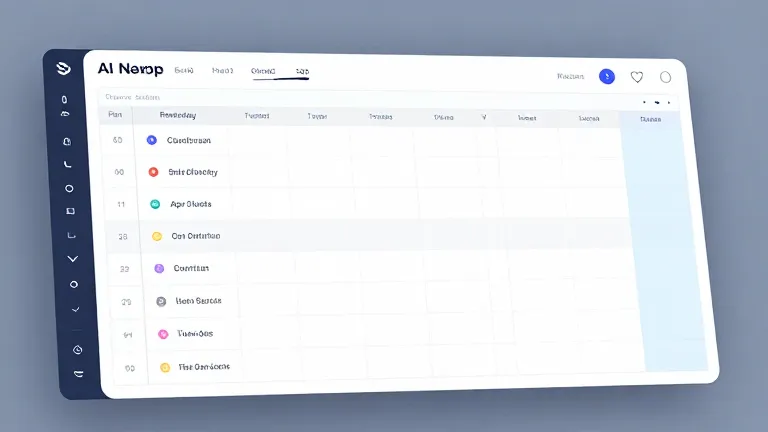
Setting up your AI-powered content calendar involves defining your content goals, inputting your strategy, and integrating tools to streamline your workflow. This foundational step ensures that your AI tool aligns with your business objectives and audience needs, making the automation process more effective and tailored.
How to Input Your Content Strategy
Before launching your AI-powered content calendar, clearly define your content goals and audience preferences. Identify what you want to achieve through your content—such as brand awareness, lead generation, or engagement—and understand your audience’s interests, pain points, and preferred content formats. This information helps the AI tool generate relevant and targeted content that resonates with your audience.
Connecting AI Tools to Your Workflow
Once your goals are defined, input your content topics, formats, and posting schedule into the AI tool. Provide a list of topics that align with your strategy, specify preferred formats like blog posts, videos, or infographics, and outline your posting schedule based on your platform’s best practices. This input ensures the AI generates content that fits your brand voice and aligns with your publishing rhythm.
Integrating your AI tool with your content creation tools and social media accounts is essential for a seamless workflow. Connect platforms like Google Docs, Canva, or Grammarly for content creation and tools like Hootsuite or Buffer for scheduling. This integration allows the AI to pull data from your tools, generate content, and schedule posts automatically, reducing manual effort and improving efficiency.
Automating the Content Creation and Scheduling Process
Automating the content creation and scheduling process with AI significantly reduces the time and effort required to maintain a consistent publishing schedule. By leveraging AI tools, you can generate content drafts, headlines, and call-to-actions with minimal manual input, while also streamlining the scheduling process across multiple platforms.
How to Automate Content Generation
AI-powered content generation tools can create high-quality drafts, headlines, and call-to-action text based on your brand voice, audience preferences, and content goals. These tools use natural language processing to analyze existing content, identify trends, and suggest new ideas that align with your strategy. For instance, you can input a topic, and the AI will generate multiple variations of headlines and body text to choose from, saving time during the ideation phase.
Scheduling and Publishing with AI
Once content is generated, AI tools can automatically schedule posts across platforms like social media, blogs, and email newsletters with minimal manual input. These tools integrate with popular platforms such as Facebook, Instagram, LinkedIn, and WordPress, allowing you to set publication dates and times in one place. By using analytics, you can refine your scheduling strategy based on engagement patterns, peak audience activity, and content performance, ensuring your content reaches the right audience at the right time.
Optimizing and Maintaining Your AI-Powered Content Calendar
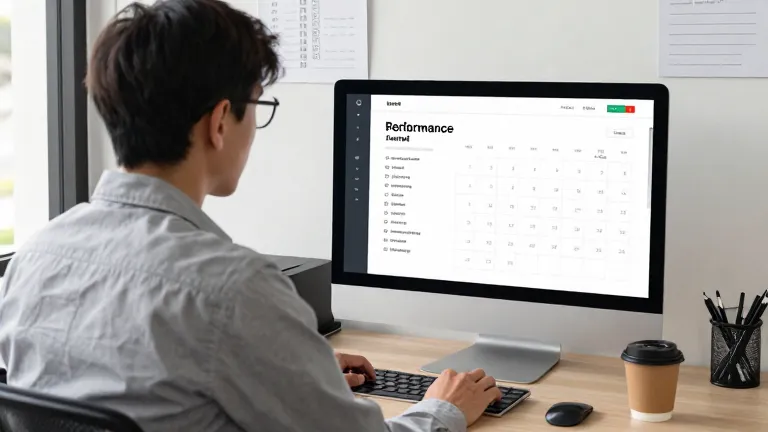
Optimizing and maintaining an AI-powered content calendar is crucial for long-term success. By regularly evaluating performance and adapting to evolving trends, you can ensure your content remains relevant and effective. This process involves monitoring metrics, refining strategies, and keeping your calendar aligned with your audience's needs.
How to Analyze Content Performance
To analyze content performance, focus on key metrics such as engagement rates, click-through rates, and conversion data. AI tools often provide built-in analytics that help identify what’s working and what’s not. Use this data to adjust your content strategy, such as shifting focus to high-performing topics or refining posting times for better reach.
Maintaining and Updating Your Calendar
Maintaining and updating your calendar requires ongoing effort to reflect changing trends and audience preferences. Regularly review your content plan to align with new industry developments or shifts in audience behavior. AI can help by suggesting timely topics or repurposing older content to stay relevant. Consistent updates ensure your calendar remains dynamic and responsive to real-time data.
Frequently Asked Questions
What are the best AI tools for creating a content calendar?
The best AI tools for creating a content calendar include platforms like Contentful, Hootsuite Insights, and Outbrain. These tools offer features such as content planning, scheduling, and performance analytics, helping creators streamline their workflow.
How can AI help with content scheduling across multiple platforms?
AI can help with content scheduling across multiple platforms by automatically aligning content with each platform's audience and style. It simplifies the process of managing and publishing content to different channels efficiently.
Can AI tools generate content for my calendar?
Yes, AI tools can generate content for your calendar by creating outlines, writing drafts, and even suggesting topics based on your goals. This helps reduce manual effort and ensures consistent output.
What are the key features to look for in an AI content calendar?
Key features to look for in an AI content calendar include automation, analytics, cross-platform scheduling, and integration with other tools. These features ensure efficient planning, execution, and optimization of content.
Final Thoughts
An AI-powered content calendar offers significant advantages in terms of efficiency and consistency. By leveraging automation and data-driven insights, creators can focus more on strategy and less on manual tasks.
To get started, choose the right AI tools that align with your workflow and goals. Begin by setting up your calendar, integrating it with your content strategy, and gradually optimizing it based on performance.