

In today’s fast-paced business environment, crafting professional emails that communicate clearly and align with your brand is more important than ever. However, the time and effort required to write polished, error-free messages can be overwhelming. Enter ChatGPT—a powerful AI tool that can help streamline the email-writing process. This article explores how to write professional emails with ChatGPT, offering practical strategies to enhance your communication efficiency. Whether you’re a business professional, digital marketer, or content creator, you’ll discover how to leverage this AI to create impactful, consistent, and well-structured emails.
Setting Up Your ChatGPT Workflow for Email Writing
Establishing a clear workflow with ChatGPT ensures that your email communication is efficient, consistent, and aligned with your brand. By defining specific use cases and tailoring prompts to reflect your organisation’s tone, you can streamline the email creation process while maintaining professionalism.
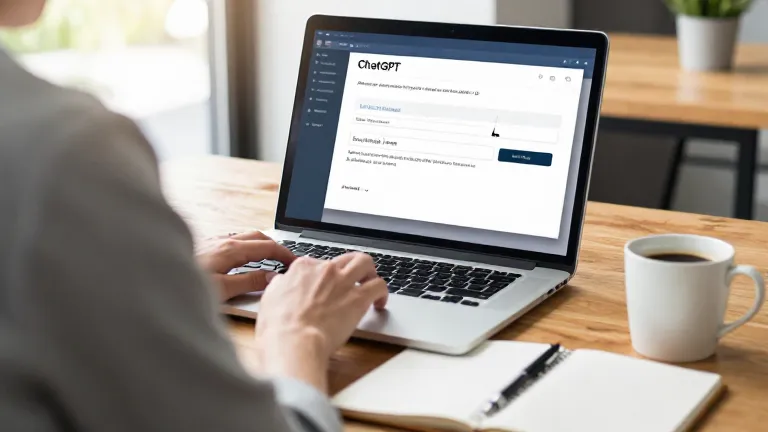
Defining Your Use Cases for ChatGPT
Start by identifying the types of emails you regularly send, such as client outreach, meeting invitations, or project updates. ChatGPT can be trained to generate responses based on these scenarios, reducing the time needed for drafting. For example, you can instruct the AI to use a formal tone for client communications or a more casual style for internal updates.
Customising Prompts for Brand Consistency
Customise prompts to reflect your brand voice and business objectives. This involves specifying language preferences, key messaging points, and the desired tone—whether it's assertive, empathetic, or concise. By providing examples of past successful emails, you can guide ChatGPT in understanding the structure and phrasing that aligns with your brand. This not only improves the accuracy of the output but also ensures consistency across all your email communications.
Crafting Professional Email Templates with ChatGPT
Crafting professional email templates with ChatGPT allows you to streamline communication while maintaining consistency and clarity. By leveraging AI, you can generate ready-to-use templates for various scenarios, which can then be tailored to reflect your brand’s unique voice and preferences.
- Use ChatGPT to generate email templates for common scenarios such as client outreach, follow-ups, and meeting invites.
- Customise templates to match your company's tone and preferences.
- Review and refine generated content to ensure clarity and professionalism.
Generating Email Templates for Common Scenarios
To create effective email templates, start by specifying the scenario you need. For example, if you're drafting a client outreach email, prompt ChatGPT with a clear instruction that includes the purpose, tone, and key details. This ensures the generated content is relevant and aligned with your goals. You can also request variations to explore different approaches before finalising the template.
Customising Templates for Brand Voice
Once you have a draft, customise the template to match your brand’s tone and preferences. This involves adjusting the language to reflect your company’s voice, whether it’s formal, friendly, or professional. Replace placeholder text with your specific details, such as your company name, contact information, and any key messages you want to convey. This step ensures the template feels personal and aligned with your brand identity.
Using ChatGPT to Refine and Polish Emails
ChatGPT can significantly enhance the clarity and professionalism of your email drafts by rephrasing complex sentences, simplifying jargon, and ensuring your message is easily understood. This process not only improves readability but also strengthens the overall impact of your communication.
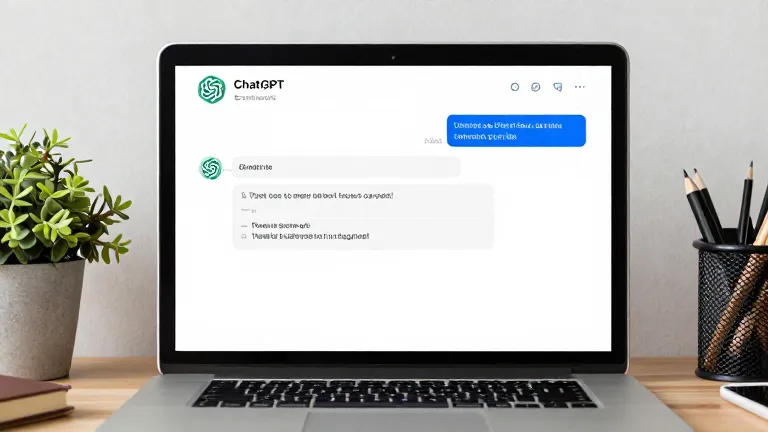
Rephrasing and Improving Email Clarity
When refining an email with ChatGPT, focus on rephrasing convoluted sentences to make them more concise and direct. For example, instead of saying 'It is my belief that the project may be delayed due to unforeseen circumstances,' you could rephrase it as 'The project may face delays due to unforeseen circumstances.' This makes the message clearer and more engaging for the recipient.
Removing Redundancy and Enhancing Tone
ChatGPT can also help identify and remove redundant information that may clutter your email. By streamlining your message, you ensure that every word serves a purpose. Additionally, the AI can adjust the tone of your email to align with your brand voice, whether it's formal, friendly, or assertive. This ensures consistency across all communications and maintains a professional image.
Best Practices for Writing Professional Emails with ChatGPT
When using ChatGPT to draft emails, it is crucial to always review the generated content to ensure it aligns with your intended message and professional standards. AI tools can sometimes misinterpret context or tone, leading to responses that lack the nuance required for business communication. Taking a moment to read through and refine the output ensures clarity and accuracy in your final email.
- Always review AI-generated content to ensure it aligns with your intentions.
- Combine ChatGPT with other tools like Grammarly for final proofreading.
- Maintain a consistent writing style and avoid over-reliance on automation.
- Personalise email content to reflect your brand voice and audience expectations.
- Use clear and concise language to avoid confusion and ensure your message is understood.
- Avoid using overly complex or jargon-heavy language that may alienate your audience.
Combining ChatGPT with other tools like Grammarly can significantly enhance the quality of your emails. Grammarly is excellent for catching grammatical errors, improving sentence structure, and ensuring your writing maintains a professional tone. This dual-check system ensures your email is not only well-written but also polished and error-free.
Real-World Examples of ChatGPT in Business Emails
Real-world examples demonstrate how ChatGPT can streamline business email communication while maintaining professionalism. By leveraging AI-generated text, professionals can draft messages that align with their brand voice and business goals. Understanding how to balance automation with a personal touch is essential for effective email communication.
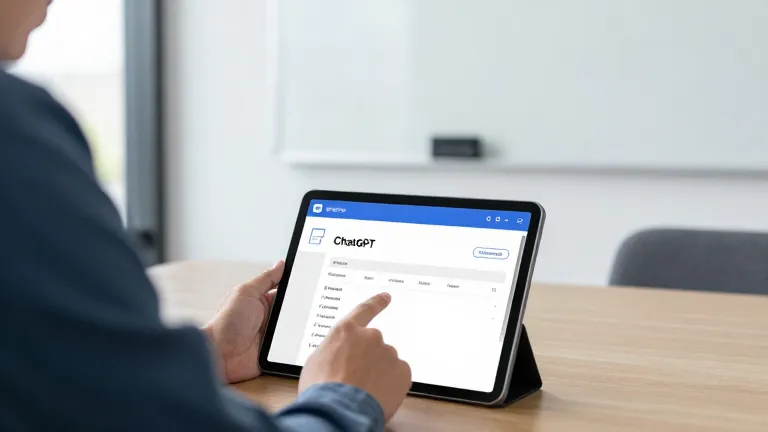
Examples of ChatGPT in Client Outreach Emails
In client outreach emails, ChatGPT helps professionals draft personalized messages that reflect brand values. For instance, a marketing manager might use the AI to generate a follow-up email after a webinar, ensuring the tone is professional yet approachable. The AI can suggest subject lines that capture attention while maintaining a formal tone, making the message more engaging.
ChatGPT in Meeting Invitations and Follow-Ups
Meeting invitations and follow-ups also benefit from ChatGPT's capabilities. A project manager can use the tool to draft an invitation that includes key details such as time, location, and agenda points. The AI can assist in refining the language to ensure clarity and professionalism. Follow-up emails can be crafted to confirm attendance or provide additional information, ensuring seamless communication.
Frequently Asked Questions
Can ChatGPT help with writing email subject lines?
Yes, ChatGPT can assist in crafting concise and engaging subject lines. By providing context or specific goals, you can guide the AI to generate subject lines that align with your message and audience.
How do I ensure my emails sound professional when using ChatGPT?
To maintain a professional tone, customise your prompts with brand guidelines and preferred language. Review and refine the output to ensure clarity and consistency with your brand voice.
What should I do if ChatGPT generates content that doesn't match my brand?
If the generated content doesn't align with your brand, refine your prompts to include specific brand guidelines, tone, and examples. You can also manually adjust the output to better reflect your brand's identity.
Is it possible to use ChatGPT for automated email responses?
Yes, ChatGPT can be used for automated email responses by setting up predefined prompts that trigger specific replies. This can save time while maintaining a consistent and professional tone.
Final Thoughts
Leverage ChatGPT to streamline and enhance your email writing process. By customising prompts and refining outputs, you can ensure consistency and professionalism.
Start by defining your use cases and setting up a clear workflow. With practice, ChatGPT can become a powerful tool for improving your business communication.